
Lunch Money is designed to fit into your life, not the other way around. Whether you’re paid weekly, juggling multiple currencies, or sharing a budget with a partner, Lunch Money gives you the flexibility and automation to stay organized without overcomplicating things.
Here are 11 features you might not be fully using yet, but probably should be!
1. Custom Budget Periods
Does budgeting by calendar month feel… off?
If you’re paid bi-weekly or twice per month, a traditional monthly budget doesn’t always line up with reality. That’s why Lunch Money lets you create custom budget periods that match your actual pay cycle.
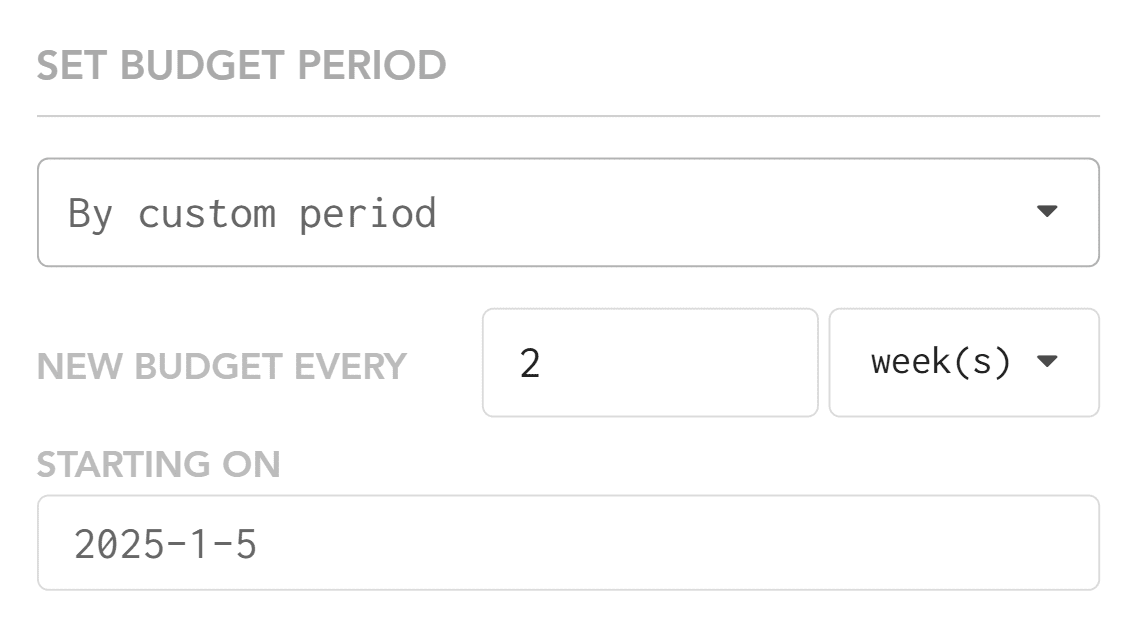
You can start your budget on any day you choose. For example, you could begin a new budget period every other Friday if that’s when you get paid.
Here are some other ways you could set up your budget:
- Bi-weekly. If you get paid every other week.
- Twice monthly, if you get paid on the 15th and the last day of the month.
- Weekly.
- Every 28 days.
- Quarterly.
- Something else!
Learn more about custom budget periods here.
2. Import Transactions (Account syncing)
One of the biggest benefits of budgeting online is being able to import your transactions. No more typing in each transaction by hand. At Lunch Money, you can connect your budget to your bank and credit card accounts so transactions pull in automatically.
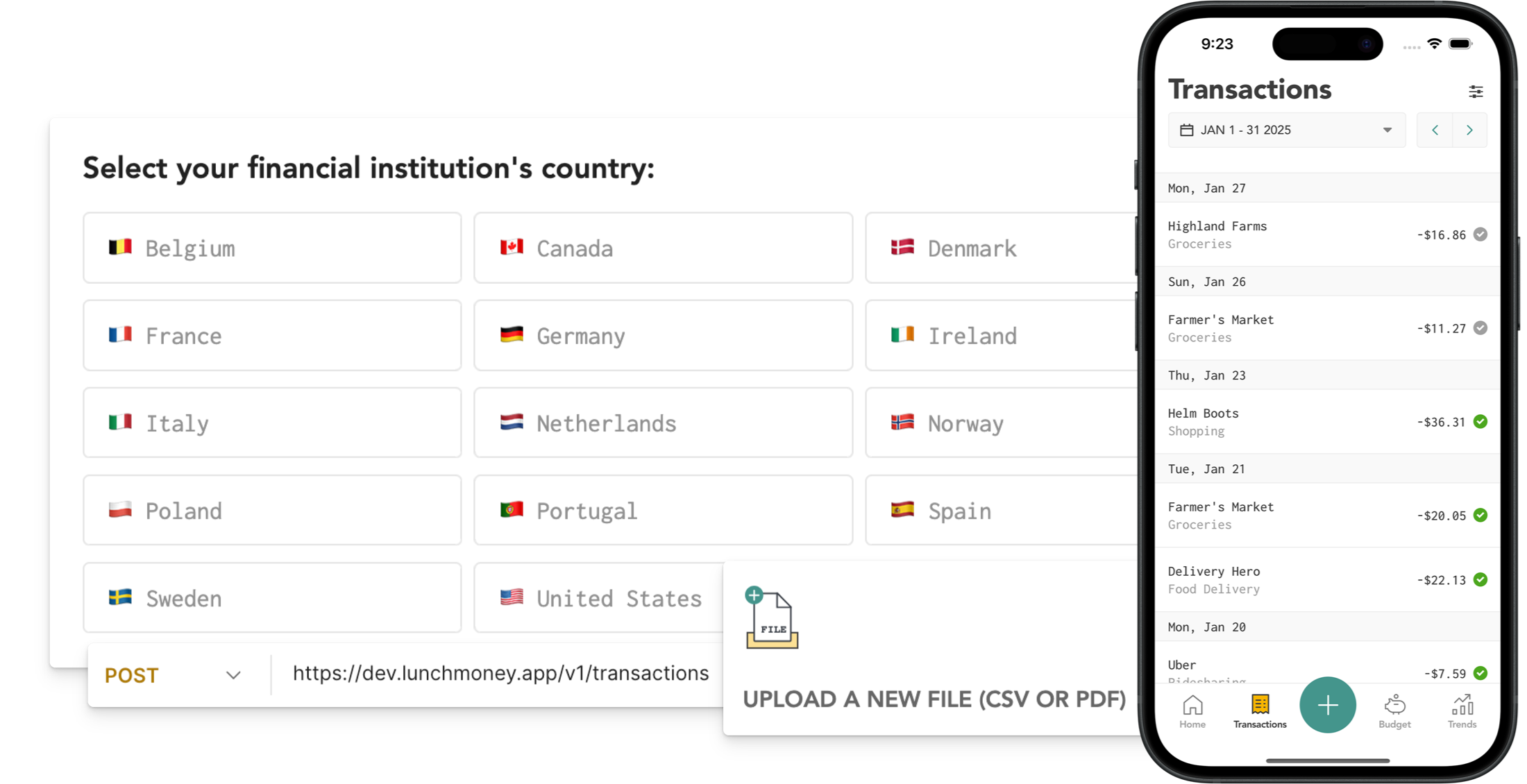
Lunch Money uses Plaid to securely connect your accounts. You can also import transactions via a spreadsheet or PDF, but having them appear automatically is a real time-saver. It also ensures you don’t miss a transaction.
Learn more about importing transactions here.
3. Net Worth Tracker
Your net worth is your assets minus your liabilities. This number represents how much you are worth (financially speaking). When someone says they are a millionaire, it means their net worth is at least $1,000,000.
Keeping track of your net worth can be a pain. You have to track both the value of all your assets and your debt balances. Luckily, Lunch Money automates this process with the Net Worth Tracker. This lets you keep a close eye on your net worth, without spending time tracking down all your balances.
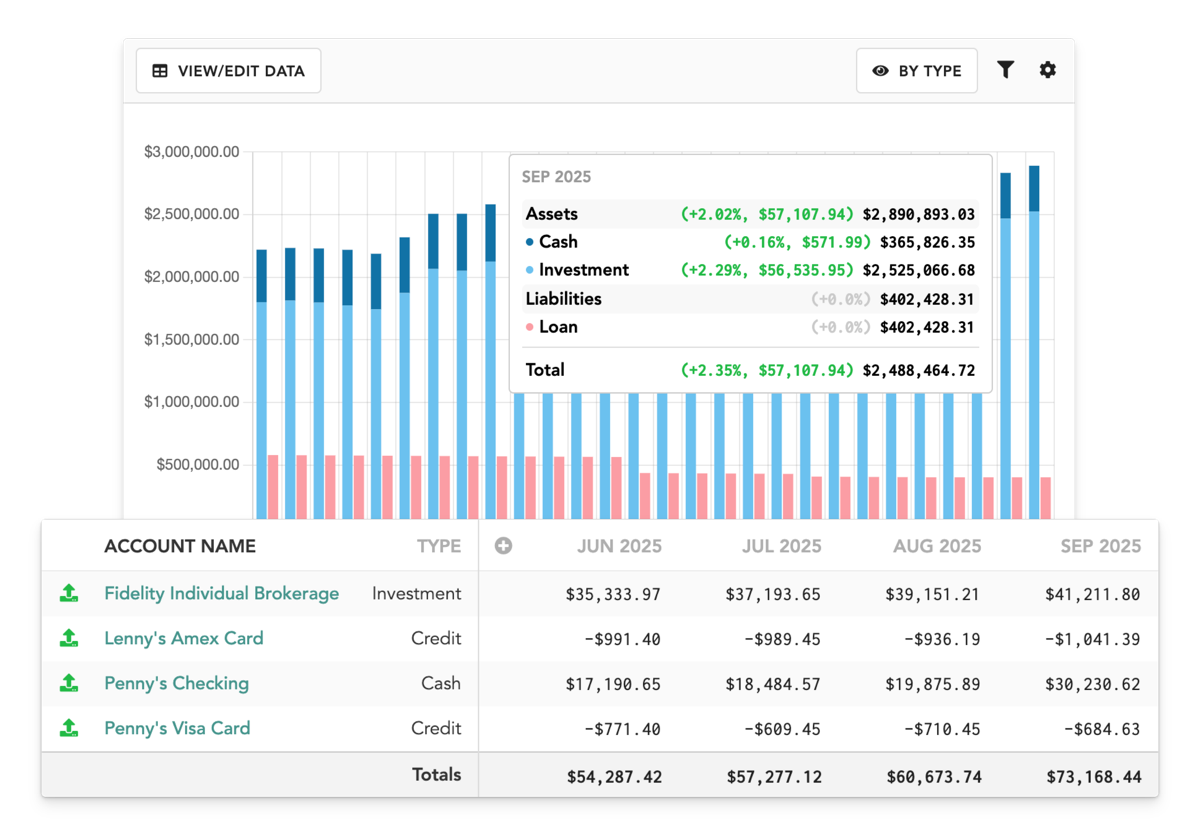
Learn more about the net worth tracker here.
4. Multi-Currency Support
If your life involves more than one currency, you already know how messy that can get.
Lunch Money supports over 160 currencies. You choose a “home currency,” and the app automatically converts all other transactions into that currency using daily exchange rates.
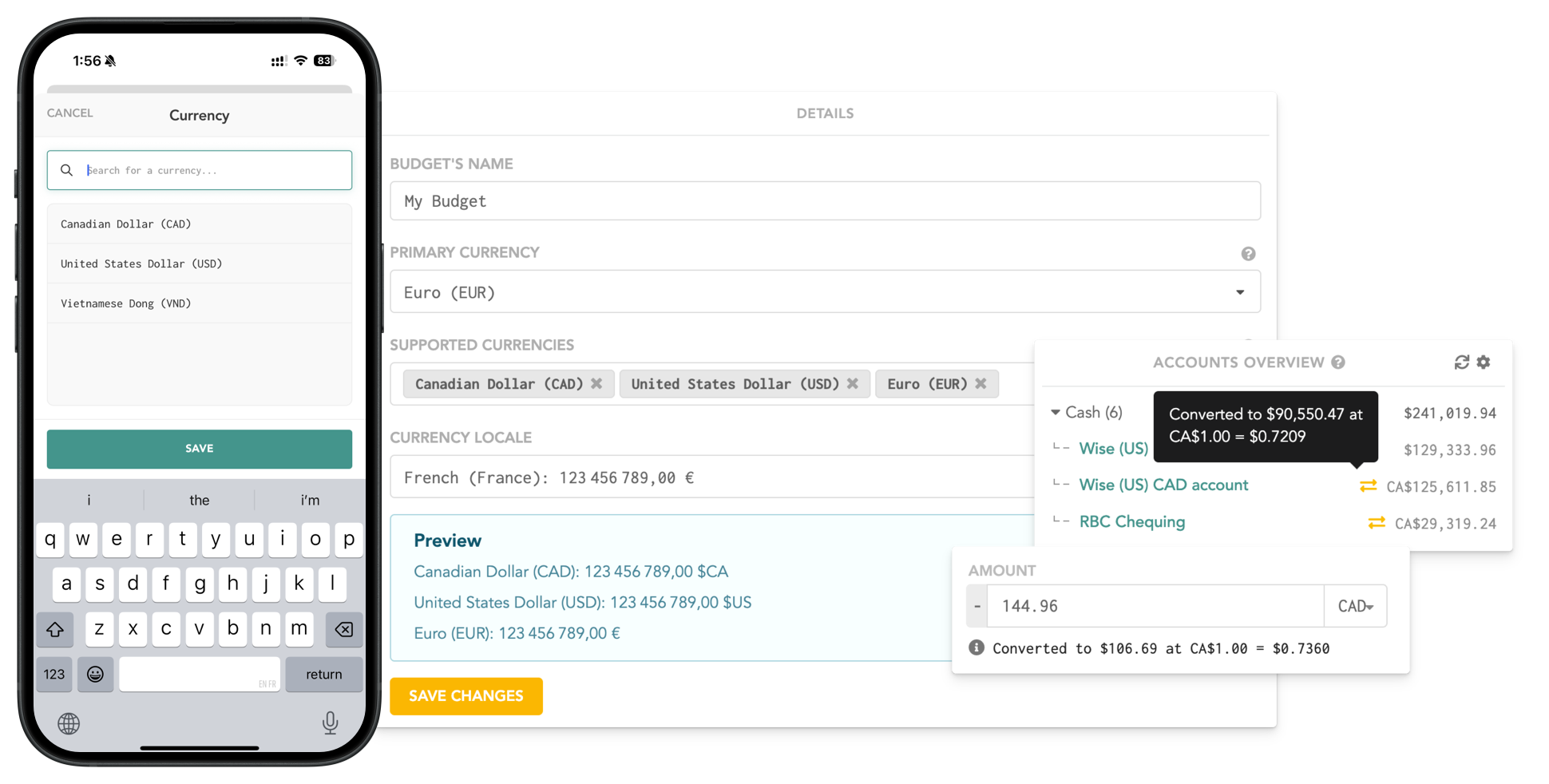
This works with both income and expenses, and you can customize data formats and financial notations to match your preferences. No mental math required!
Learn more about multi-currency support here.
5. Category Groups
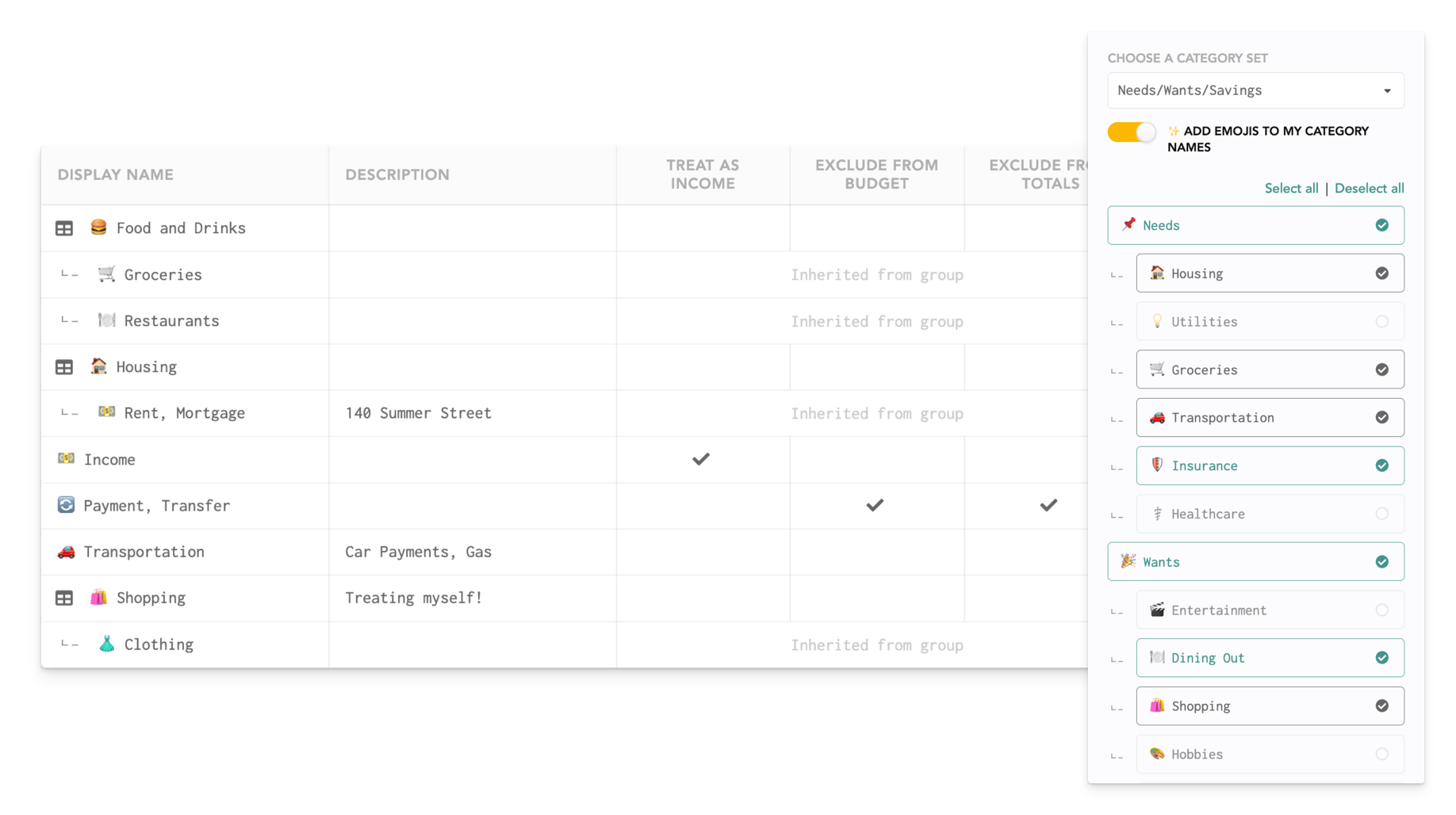
Most budgeting apps let you create your own categories, but Lunch Money goes a step further with Category Groups. This allows you to group similar categories together.
For example, you might create a “Transportation” Category Group that includes the following categories:
- Gas
- Car insurance
- Car payment
- Uber rides
- Parking
- Train tickets
- Tolls
This allows you to see what you spend on transportation overall or by individual category, which is extremely helpful when you want to understand your spending at a glance.
Learn more about Category Groups here.
6. Tags
Tags give you more detail in your reports, but work differently than categories do. Every transaction should be assigned to a category, but then it can also be tagged if you want to track expenses that span several categories.
For example, let’s say you are planning a birthday party. You might spend:
- $200 on extra groceries
- $50 on decorations
- $75 on gifts
Those three transactions would be in three different categories; groceries, household, and gifts, but you could tag all three with “Birthday party” and then filter for that tag later to see exactly how much you spent on the party.
This saves you from having to create a one-time-use category for the party, while still letting you see how much you spent.

7. Recurring Transactions
Subscriptions, rent, insurance, paychecks. We all have plenty of recurring transactions, and Lunch Money handles them with ease.
You can set up transactions to recur on any schedule, such as twice per month, bi-weekly, monthly, or annually. This allows you to see your true expenses and make sure that nothing is double-billed.

Lunch Money will automatically match imported transactions to your recurring items, making it even easier to categorize your transactions.
Learn more about recurring transactions here.
8. Calendar View
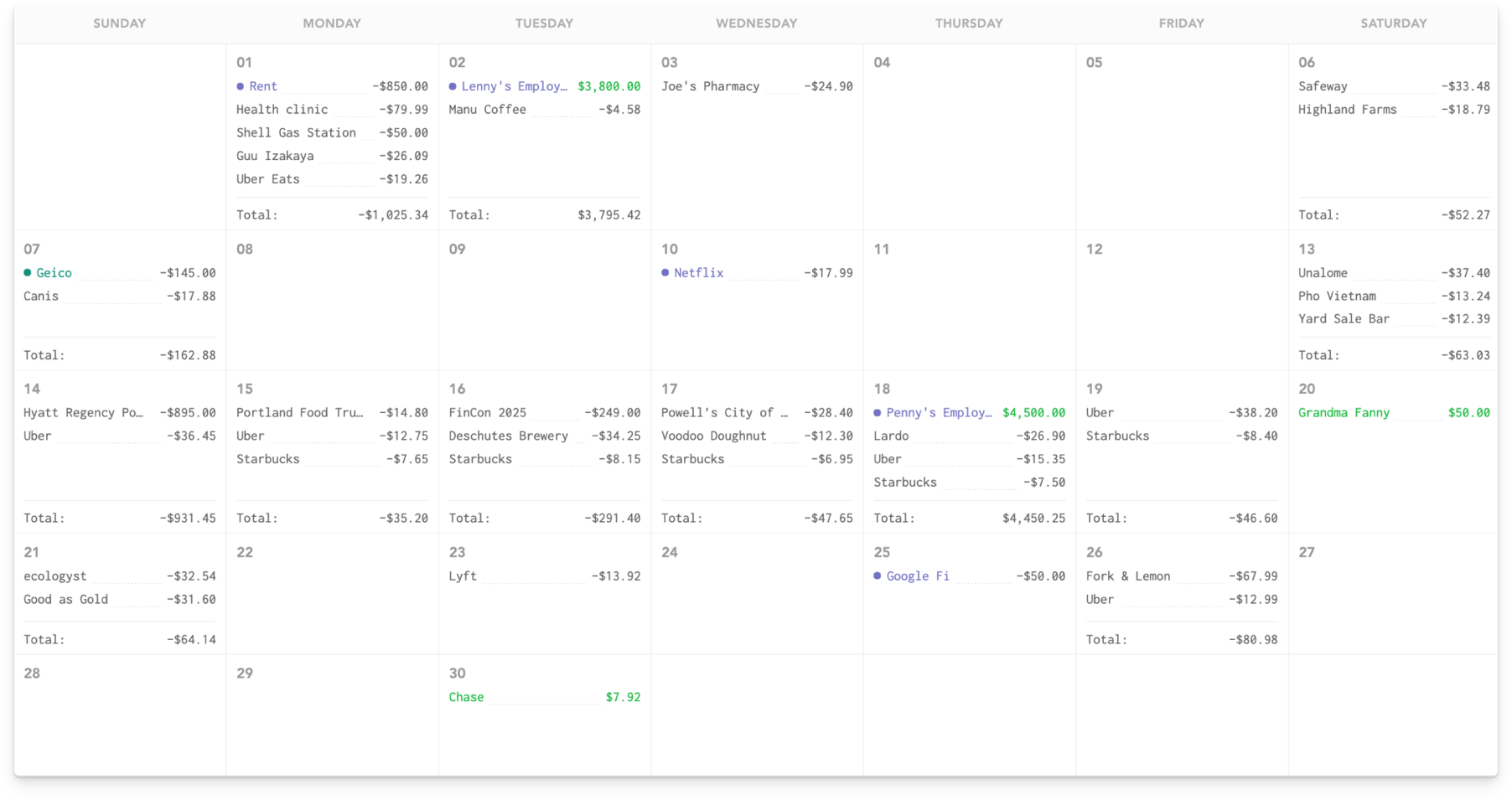
Want to see how you spend money in a calendar, instead of a list? Lunch Money has you covered.
Seeing your income and expenses in a calendar allows you to see your spending patterns in a way that a list of dates does not. You can also easily see when your bills are due in relation to your paycheck. This can help with planning and is likely more closely aligned with how you think about your finances.
Learn more about the calendar view here.
9. Rules Engine
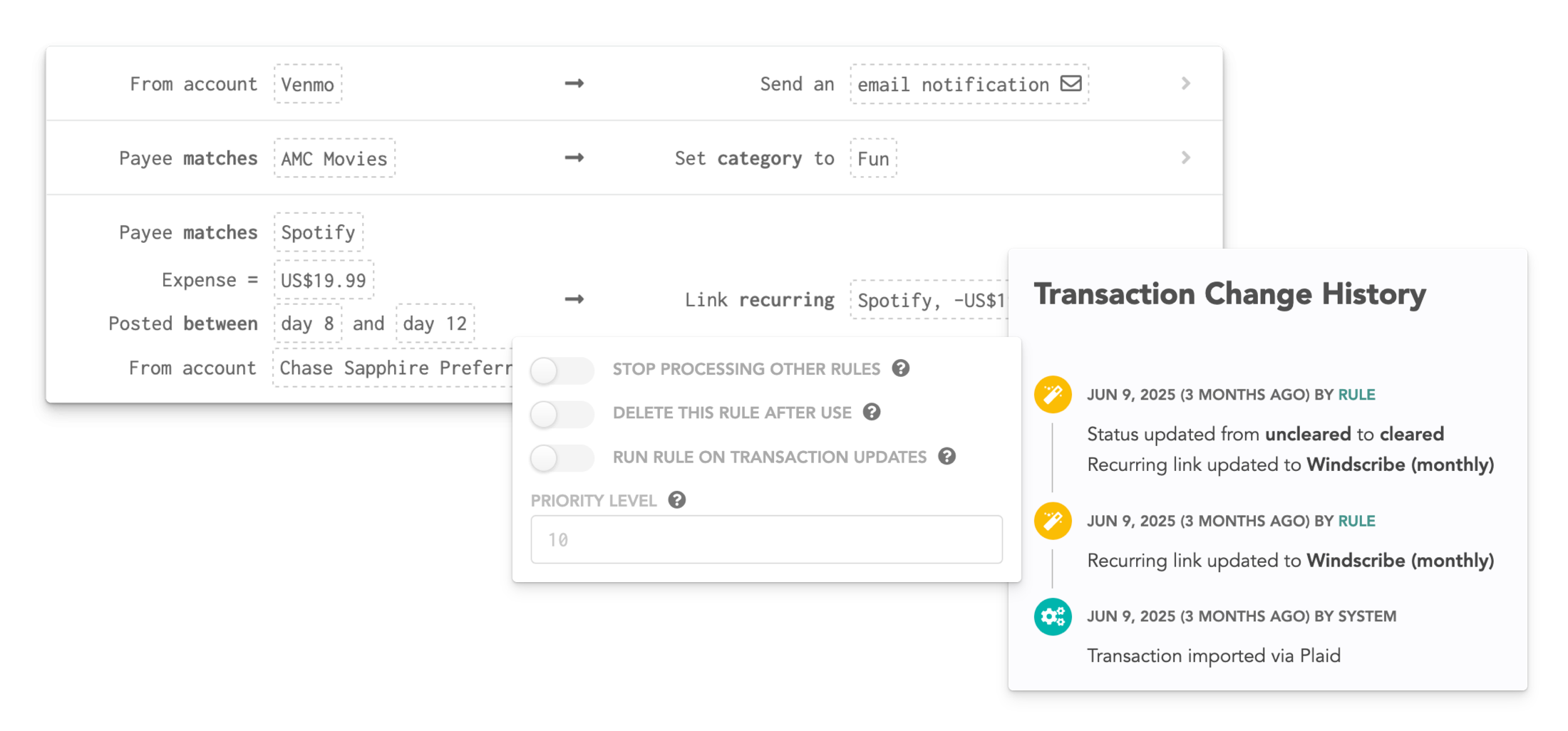
If you want to level up your automation, this is where it gets fun. The Rules Engine lets you automatically categorize transactions based on custom conditions.
For example, you could set it so that a charge from your local movie theater should always be categorized as “Entertainment.”
You can even set up “if this, then that” rules. For example, you could create a rule that says that all gas station transactions under $5 fall under “Snacks,” and anything over $5 is categorized as “Gas.”
Learn more about the rules engine here.
10. Collaboration
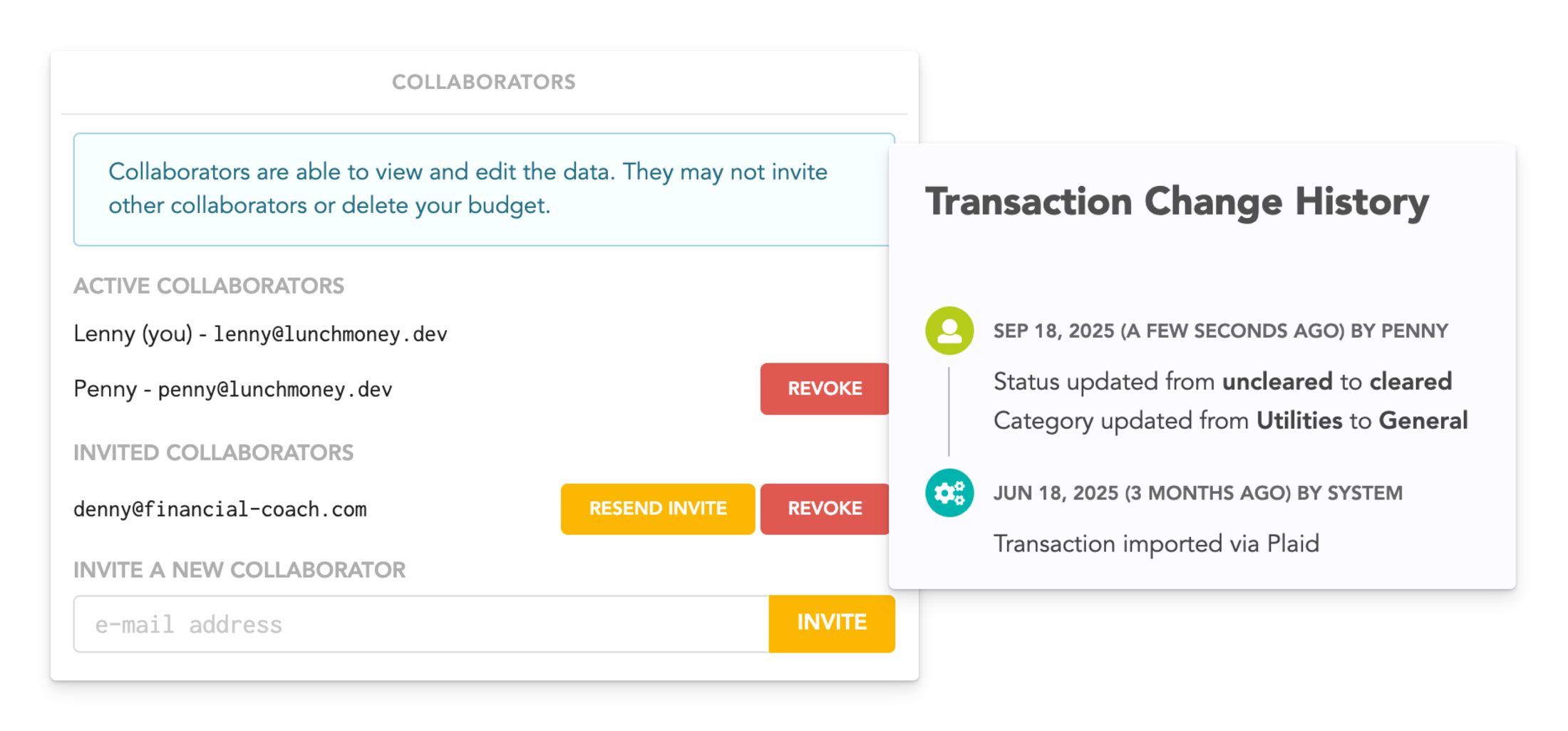
Lunch Money allows you to have unlimited contributors to your budget. So if you have a partner, family member, or financial coach who needs access to your budget, you can grant them access, no matter what.
Each contributor gets their own login and can only see your budget, not your entire account!
Learn more about collaboration here.
11. Financial Coaches
If you need extra help with your finances, Lunch Money has a directory of financial coaches who are waiting to help you. They are certified through the Lunch Money program and are knowledgeable about how the Lunch Money software works. They can help you build your budget and help you meet your overall financial goals.
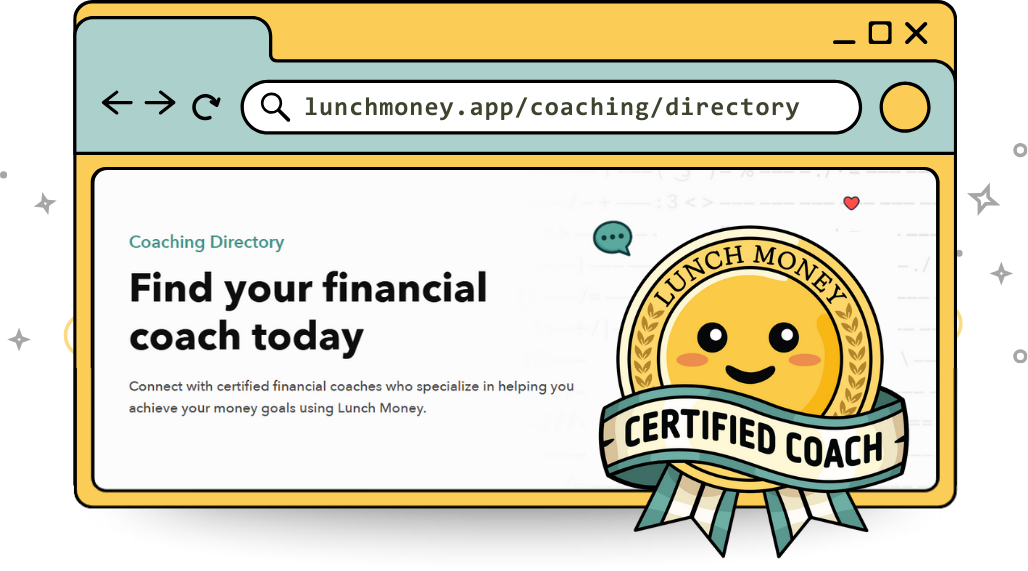
Note that any fees the coach charges are between you and the coach and are not part of the Lunch Money subscription.
Check out the Lunch Money financial coach directory.
Summary
Lunch Money is a budgeting app built for flexibility and automation. You can create custom budget periods that match your pay schedule, automatically import transactions, and track your net worth.
Advanced tools like category groups, tags, recurring transactions, and a rules engine provide detailed reports with minimal effort. The app also supports over 160 currencies, offers a calendar view of spending, allows collaboration with unlimited contributors, and connects users with certified financial coaches for extra guidance.
If you’re not already using Lunch Money, you can get started here for free with our 30-day trial and start building financial stability.