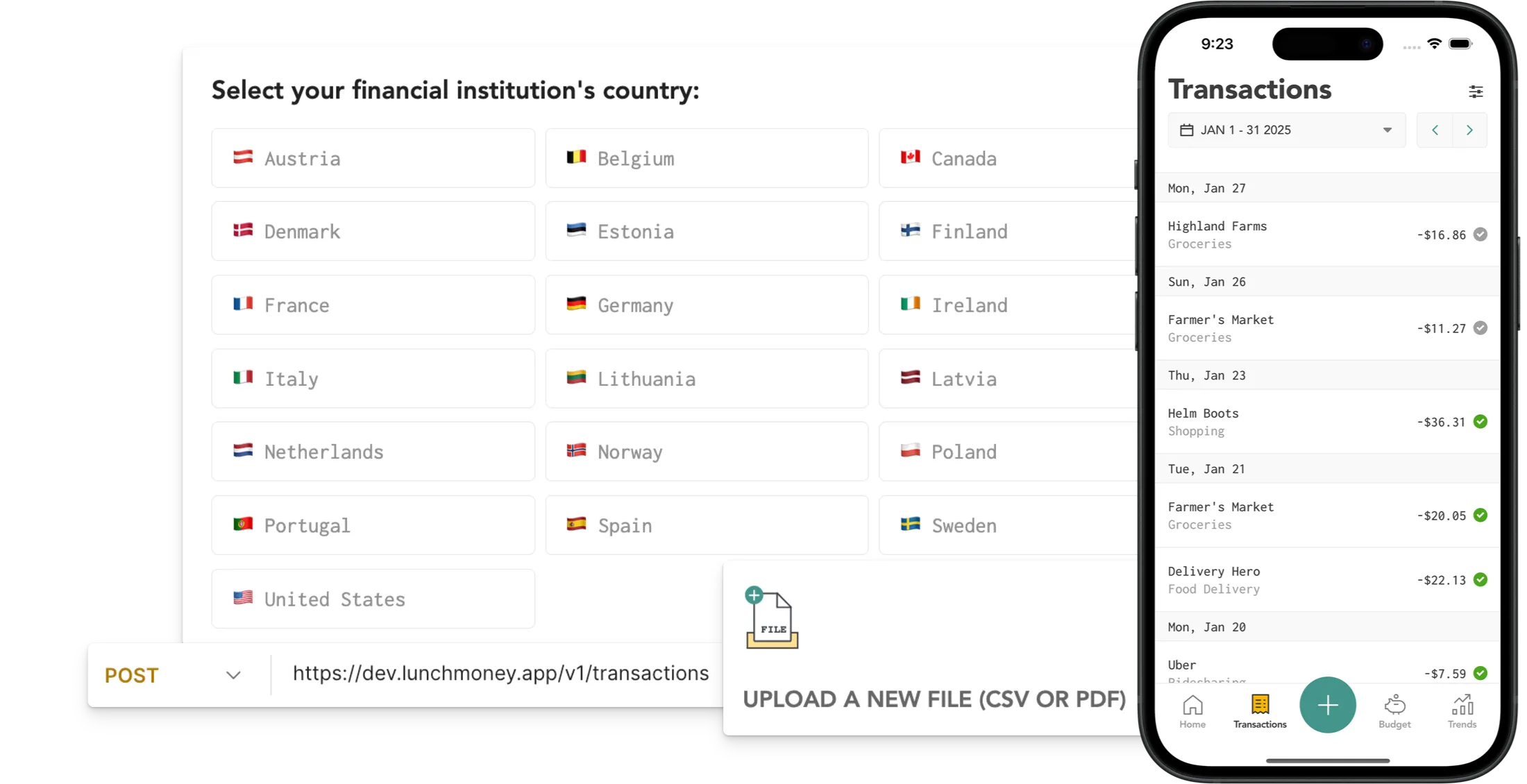

Bank Syncing
Connect your bank accounts securely using our Plaid integration. Once linked, your transactions and balances are automatically synced—no manual updates required.
Import via CSV and PDF
Prefer to manage your data manually? Lunch Money lets you upload CSV and PDF files from your bank. It’s fast, easy to use, and only needs to be configured once, so future imports will be a breeze
Manual Input
Add transactions manually with ease—no sync required. You can also split or group transactions to fine-tune your budget easily within our intuitive, web-first platform.
Developer API
Want full control? The Lunch Money Developer API lets you import transactions from virtually any source.
Migrate from Mint
Moving from Mint? We make it easy to import your historical transactions so you can keep your financial history intact.
Mobile Companion App
Easily review transactions on the go with our mobile app. With the new “+” button available on every tab, you can log a transaction anytime, anywhere.
FAQs
Is automatic syncing with Plaid safe?
Yes. Plaid a trusted, secure platform used by thousands of financial apps. You can have peace of mind knowing your data is encrypted and handled with care. For more information on how Plaid handles personal data, click here.
What account types can I sync with Plaid?
You can sync both balances and transactions for credit cards, checking and savings accounts, as well as balances for lines of credit, loans, and investments.
Which countries are supported for automatic syncing?
We currently support automatic bank syncing for most financial institutions in the following countries: the United States, Canada, the Netherlands, France, Spain, Ireland, Germany, Belgium, Denmark, Italy, Portugal, Sweden, and Poland.
Additionally, our open developer API gives power users and tinkerers the freedom to create custom tools and integrations that expand what’s possible with Lunch Money. Some of these unofficial third-party solutions include:
- Lunch Flow (paid): Supports UK, EU, US, Canada, and Brazil
- Synci (paid): Supports UK and EU
- Lunch Sync (free on Testflight): Supports Apple Card
- Open-source transaction import tools (free)
How can I use the Developer API to import transactions?
Here’s how other developers have used the Developer API:
- Client SDKs and Language-Specific API Wrappers
- Open Source Mobile Apps
- Transaction Import Tools
- Transaction Update Tools
- Notifiers, Widgets, and Bots
- Asset Value and Balance Update Tools
Looking for ideas? Check out our monthly community newsletter, where we spotlight the creative projects being built by developers in our community! From clever automations to full-featured tools, it’s a great way to see what’s possible with the Lunch Money API.
For more inspiration, head to Awesome Lunch Money for a curated list of community-built projects. You can also join our Discord Community to connect with other developers and share your ideas.


