In our recent user survey, many of you asked for a way to be notified when your budget starts drifting off track. In this month’s newsletter, we’re highlighting a community member who built a simple tool that does just that, using the new v2 Lunch Money API. The new API adds additional capabilities, which Adam discusses in more detail in the interview.
This month’s spotlight is on Adam Stiskala, creator of Lunch Buddy, from Singapore

1) Hi Adam! Please tell us a bit about yourself.
I’m Adam Stiskala. I’m based in Singapore (originally from Australia). I work in fintech, leading technical teams across the APAC region. I have a software development background, and I tend to “scratch my own itch” by building small automations or tools whenever I spot something repetitive or annoying. Lunch Buddy started as one of these personal side projects.
Outside of work, I spend most of my time with my family. I have two young kids, which is exactly why I love tools that save time.
2) What first drew you to Lunch Money, and how has it fit into your financial management routine?
I started using Lunch Money because I wanted something flexible and “power-user friendly”, without going back to spreadsheet chaos.
Here are two big reasons it stuck for me:
- The API control: Lunch Money makes it easy to build your own workflows. For example, I automatically turn bank notification emails into Lunch Money transactions. This gives me near real-time insights instead of waiting for imports to catch up (or dealing with bank MFA).
- Collaboration: My wife and I share the family budget, and Lunch Money makes the process easy, without it turning into a “who updated what?” situation.
3) You’ve built a progressive web app called Lunch Buddy. What is it?
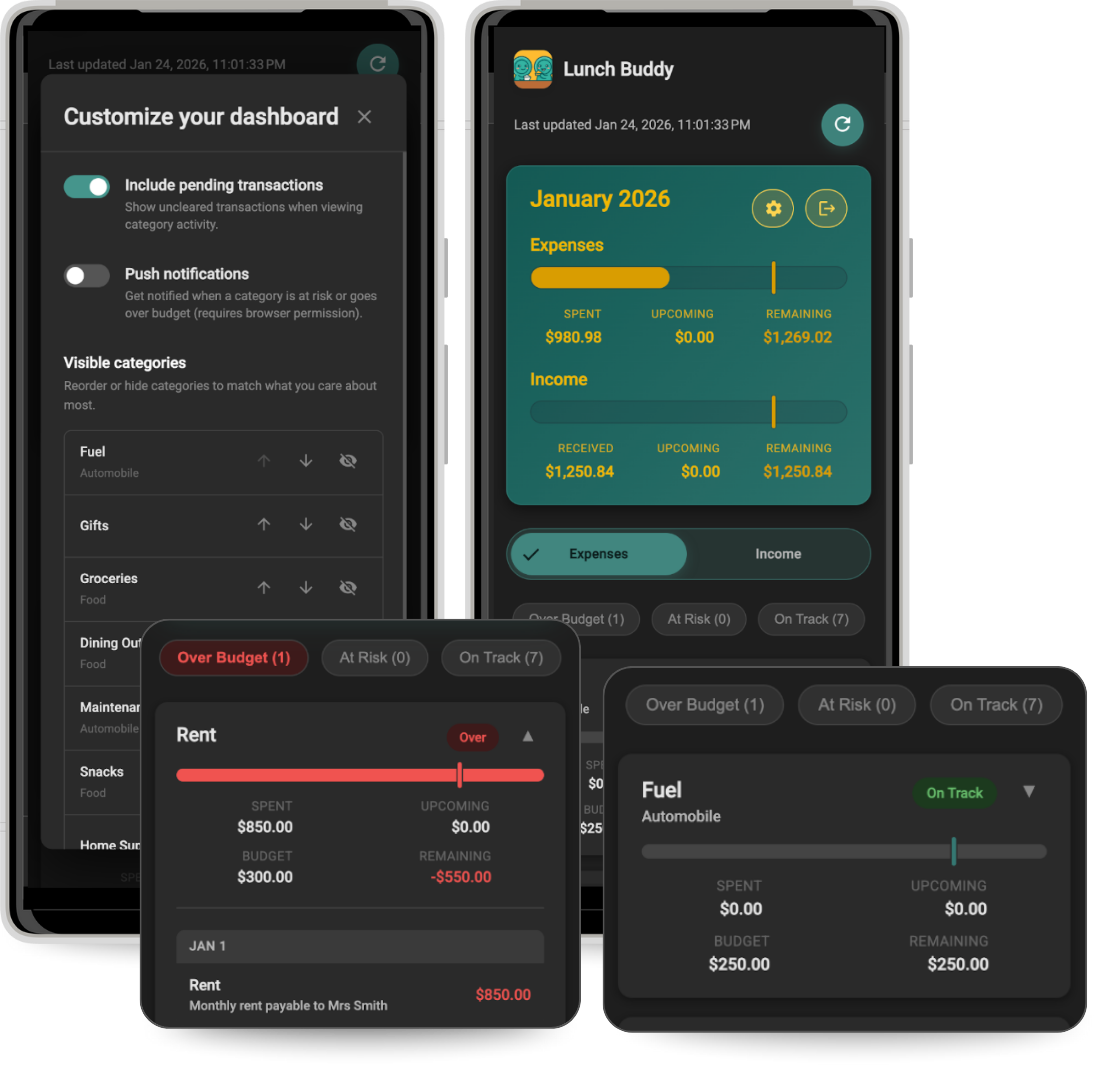
Lunch Buddy is a lightweight companion app that lets you quickly check your budget status on your phone. It’s intentionally simple: a quick answer to “how are we tracking this month?” You can even get optional notifications when a category goes over budget.
It’s designed for quick check-ins, not in-depth analysis.
4) Users need an API Key to use Lunch Buddy. How is that handled?
Lunch Buddy runs entirely on your device. There is no backend server. Your API key is stored locally in your device’s browser storage and is only used to talk directly to the Lunch Money API. Nothing is sent to or stored on any external servers.
When you sign out, the store key is cleared.
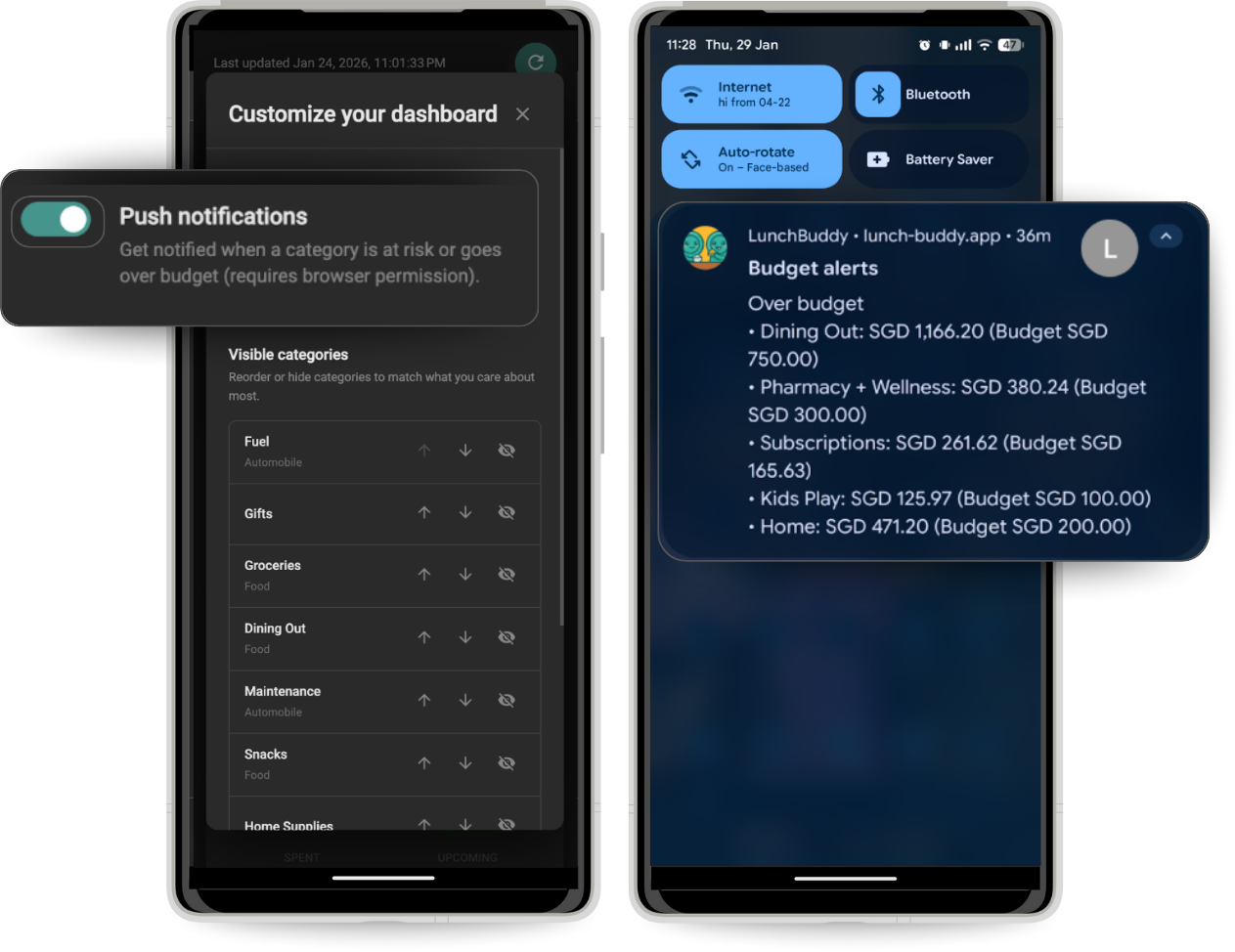
5) One feature I like in Lunch Buddy is budget notifications*. How do those work?
If you turn on notifications, Lunch Buddy periodically checks your category spending against your budget and sends a device notification when you cross a threshold. It can come in handy whether you’re ahead of where you’re expected to be at this point in the month or have blown your budget completely.
It’s a simple, on-device “heads up”, not something driven by a server in the background.
* Editor’s Note: Notifications are currently working for Android users only. If you have experience with PWA Notifications on iOS, Adam would be happy to work with you to get this working on iPhone. Reply to this email, or drop a line in the Lunch Buddy channel on Discord if you are interested.
6) Did you use the new v2 API to build Lunch Buddy?
Yes! Lunch Buddy uses the new v2 API, which includes capabilities that were previously missing. The new /v2/summary API makes it easier to understand budgets and their performance. The new API also supports custom budget periods and rollovers. I haven’t used some of the more advanced budgeting features yet, but I’m very open to community feedback on how to incorporate them seamlessly if they don’t work today.
7) Is there anything you would like to ask the Lunch Money community?
I’d love input on a couple of things:
- What should the app show first in a 30-second daily check?
- What’s the most useful “at a glance” metric for you: remaining budget, pace vs month, or categories at risk?
Thanks, Adam! I love having such a simple way to check my budget at a glance on my mobile device.
Questions? Chat with Adam in the official #lunch-buddy channel on Discord:
v2 API Alpha Announcement🤖
The Lunch Money v2 API is now in open alpha! After months of feedback from a small group of developers, we’re opening it up to everyone. The new API adds long‑requested features, runs faster, and brings more standard validation and error handling. We’d love for you to build new projects with it and tell us what you think.
- Upgrading from V1? Check out the changelog here:
- Starting fresh? Take the API for a spin with our new interactive documentation:
Have any questions or need support getting onboarded? Join us in the #💻-developer-api channel on Discord!
Call for community spotlight nominations 🗳️
Have a story you’d like to share with the community? It doesn’t have to involve building an app. We’d also love to hear how you use Lunch Money or how it’s made an impact in your life.
If you have a story you’d like to share, please fill out this quick form:
Looking for expert advice? 🎖️
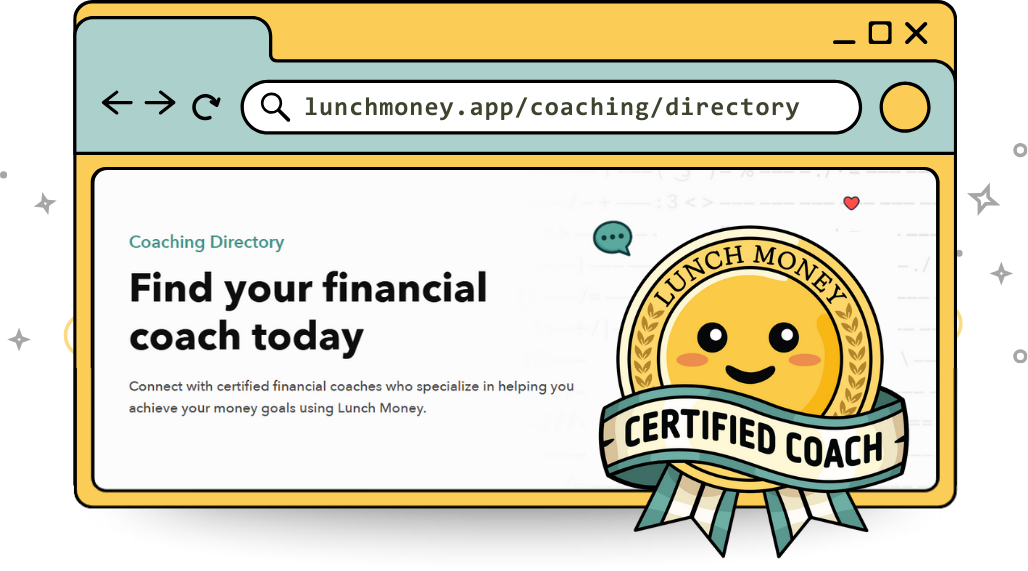
If you’ve ever felt stuck or overwhelmed on your financial journey, or unsure where to start, the new Lunch Money Coaching Directory lets you find expert guidance from certified Lunch Money coaches who can help you reach your financial goals!
Your categories, their inspiration! 📚
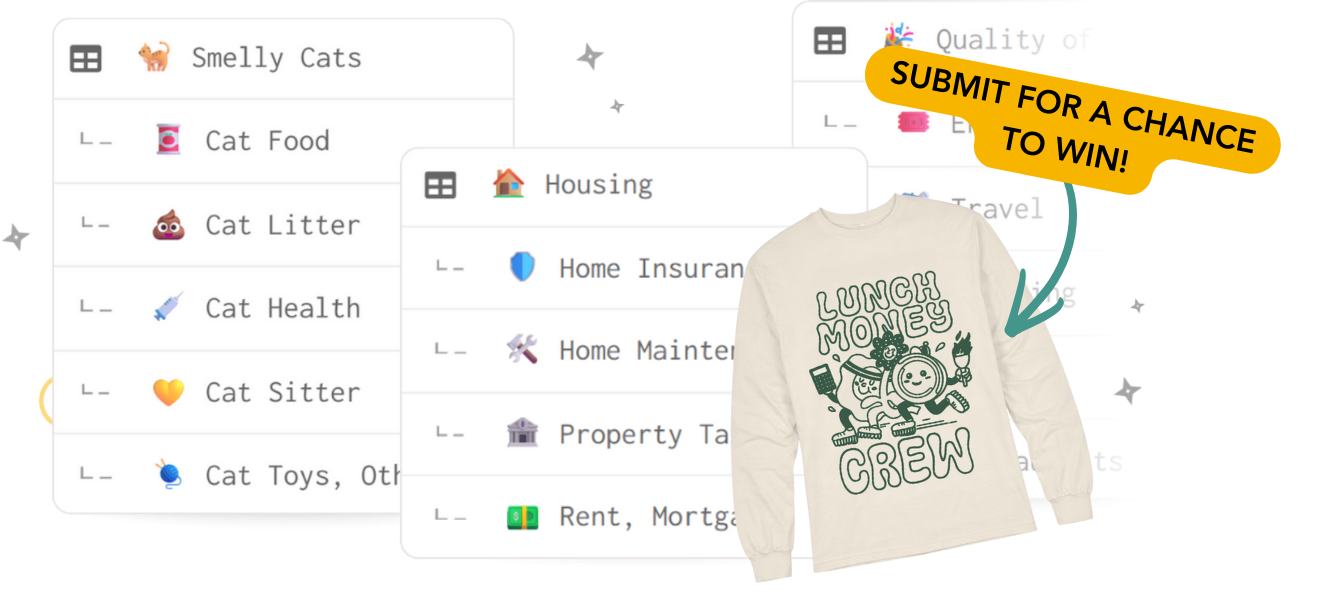
A good category setup can turn raw transactions into meaningful insights, and we’re building a community-powered library of real, user-tested category setups to serve as a starting point!
Whether it’s your entire setup or a single category group you think others would find helpful, we’d love for you to share it! Submit yours for a chance to win a free limited-edition Lunch Money shirt. 🎉
Latest from YouTube! 📺
Family budgeting can feel messy, stressful, and impossible to keep up with—but it doesn’t have to! 👨👩👧👦💸
In this recent video, Jacob shares a simple four-step approach to building a family budget that reflects how life actually works. Learn how to map real spending, create a flexible monthly plan, set shared priorities, and track money together in a way that feels calm and sustainable.

Latest from the blog! 📝
Many GenXers are struggling due to rising living costs, aging parents, adult children, retirement worries, and everyday life.
In this post, certified Lunch Money coach Amanda breaks down why budgeting is uniquely challenging for Gen X and how to build a realistic money plan that supports your life today while protecting your future.
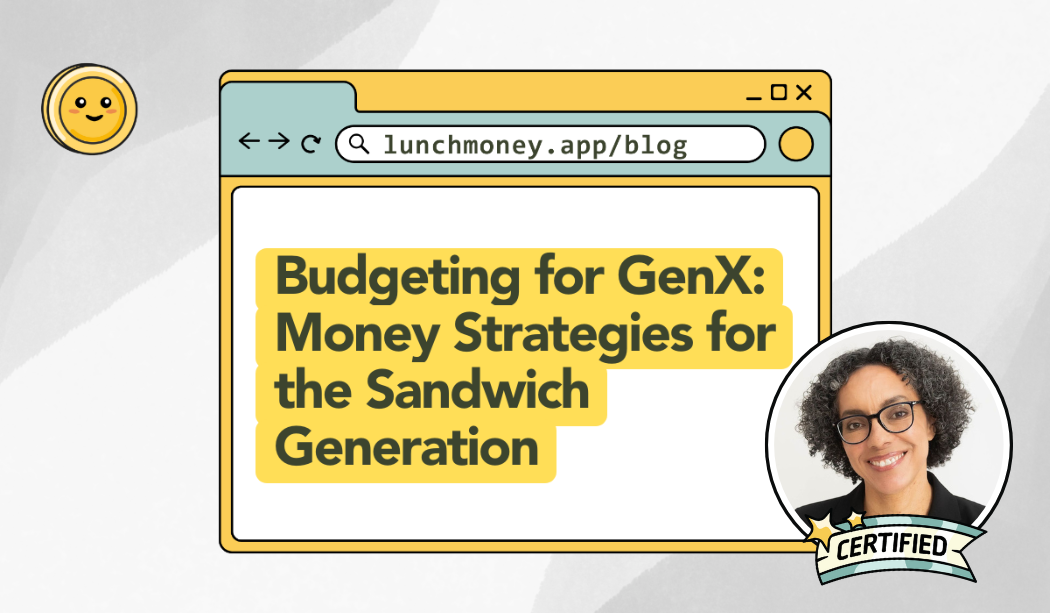
Looking for more personalized help? Visit our Coaching Directory to connect with Amanda and other certified Lunch Money financial coaches.
Connect with us on social media! 📱
We’d love to connect with you on social media. Find us on the following platforms: