Our community has contributed so much over the years, and to kick off 2026, we’re excited to spotlight one of our most prolific members! Read on for our interview with Justin, an exciting partnership announcement, and a chance to win a free Lunch Money shirt. 🎁
This month’s spotlight is on Justin, creator of Lunchable, from Denver

Q. Hi Justin! Please tell us a bit about yourself.
I’m Justin - a software and platform engineer focused on machine learning (traditional ML and LLMs). I’m based in Denver, CO, where I live with my partner, our son, and our two dogs. Outside of work, I spend time on passion projects (mostly software/homelab based). When I’m not programming, I love to ski, camp, and see live music, especially bluegrass.
Q: How did you start using Lunch Money?
Like many Lunch Money users, I began my personal finance journey with a meticulously managed Google Sheet. Over time, it became almost embarrassingly complicated.
At its peak, it was basically a self-hosted app built on Airtable and Splitwise, running in my homelab.
Switching to Lunch Money almost five years ago was a welcome change. I love the Plaid integration and its flexibility to fit into my financial routine. It’s a great fit whether your setup is simple or highly customized.
Q. Lunchable is a Python SDK for Lunch Money used by many community members. How did that start?
Like most of my side projects, Lunchable began as a personal need that I thought could be helpful for the larger open-source community.
When I first started building integrations with the Lunch Money developer API, there wasn’t a complete Python client that covered everything I needed, so I built one. Seeing people use and enjoy the tools I’ve created is incredibly rewarding, so I’m really happy to know it’s been useful to the community..
Q. You’ve also built several tools using Lunchable. Can you tell us about them?
I’ve got a number of Lunch Money side projects that have been really fun to build. Most were originally written as part of Lunchable, but I eventually split them out to be part of Lunchable’s plugin system as CLI applications. They include:
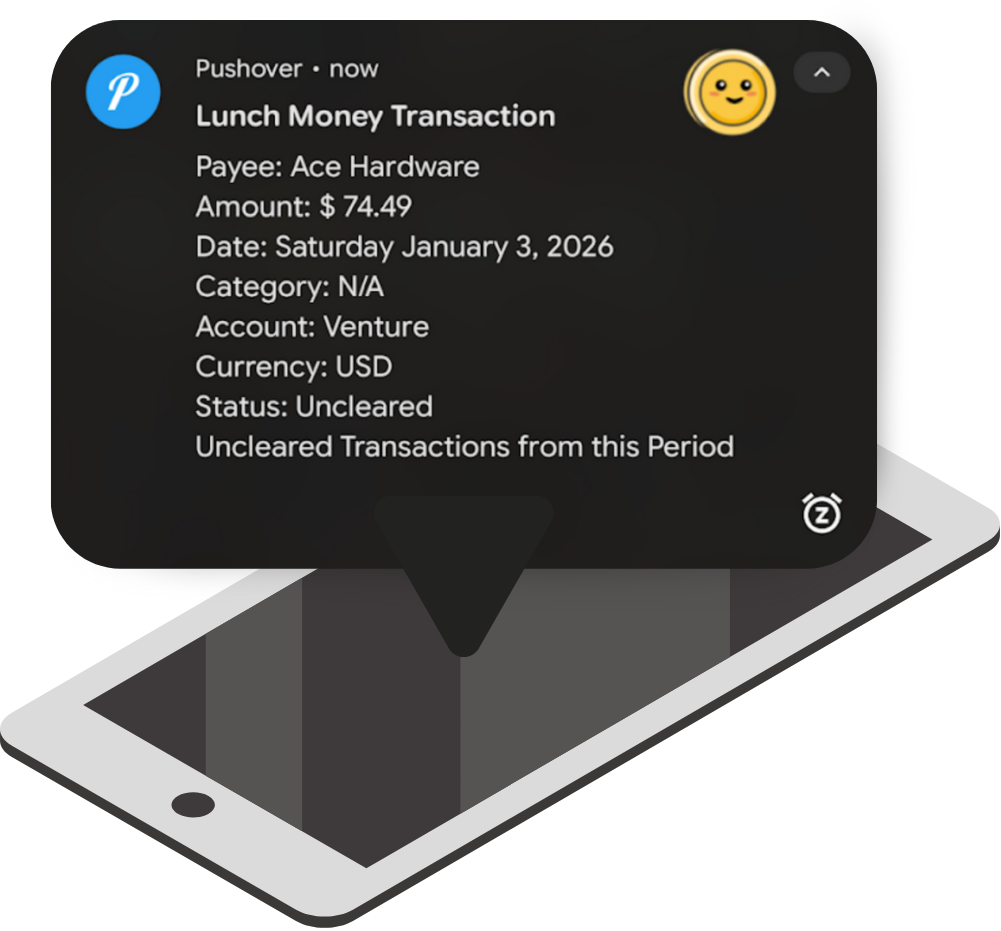
👉 pushlunch: Manages Lunch Money transactions as Push Notifications (via Pushover and Ntfy)
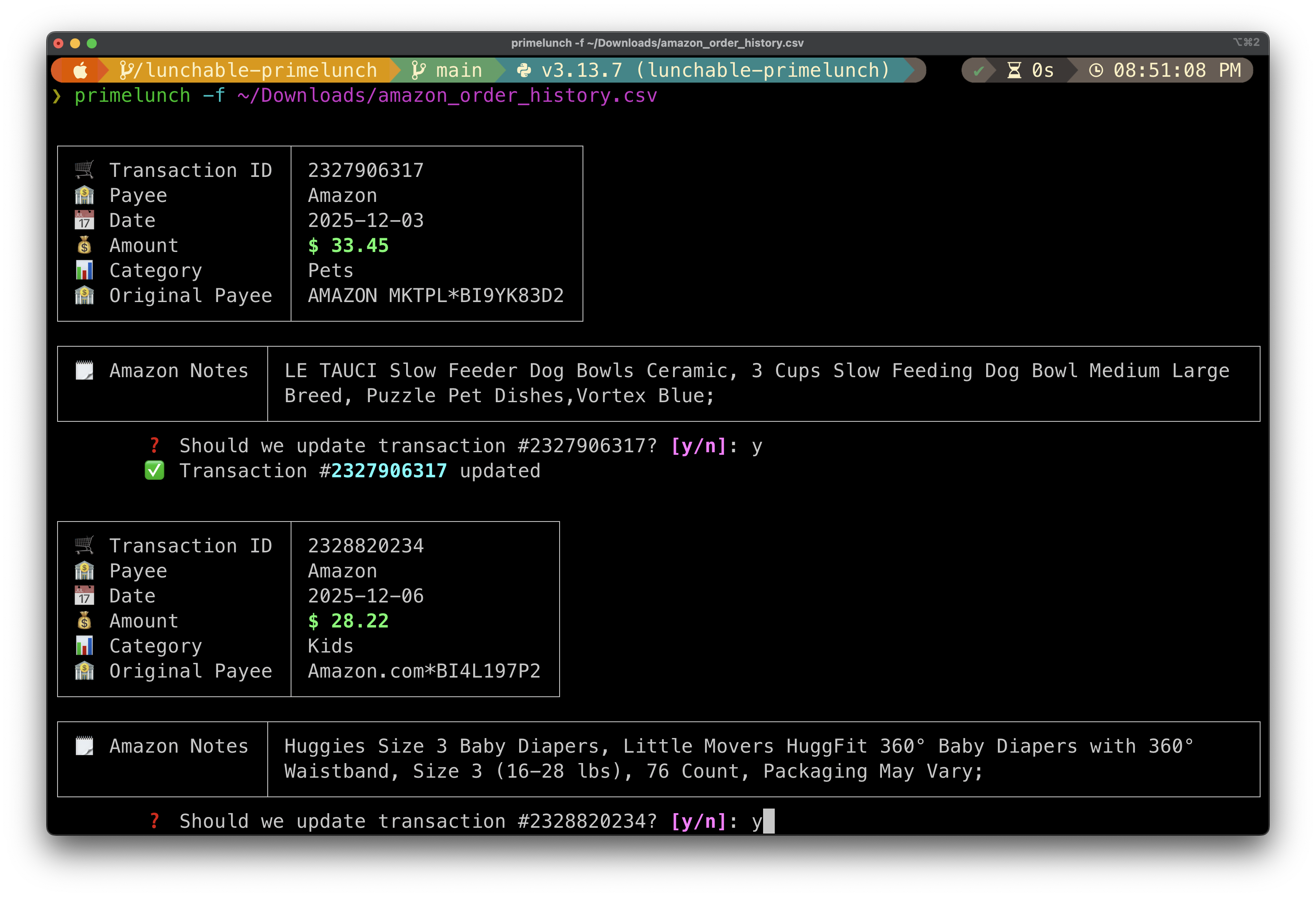
👉 primelunch: An Amazon transaction updater tool
👉 splitlunch: Two-way transaction and account syncing between Lunch Money and Splitwise
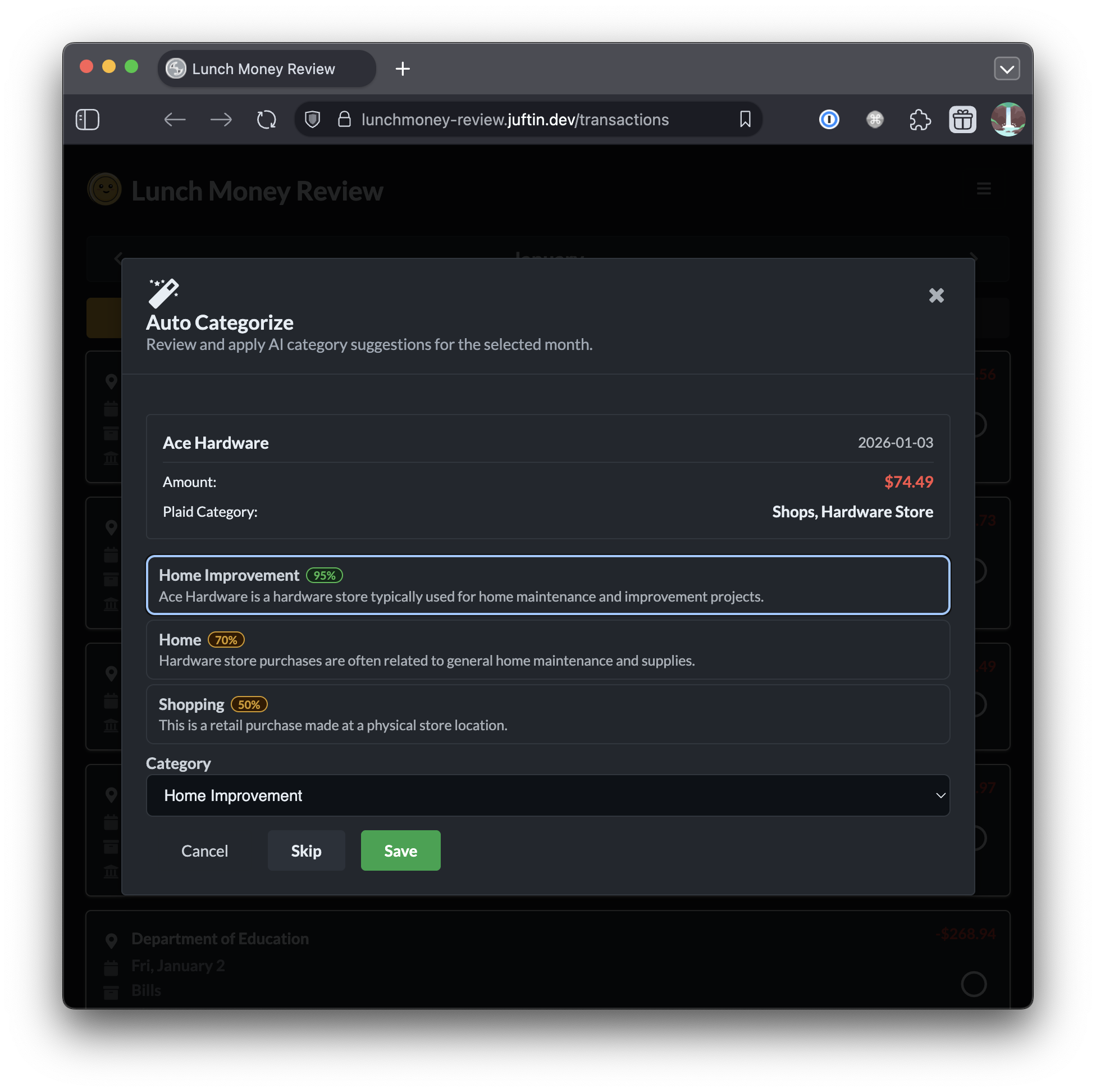
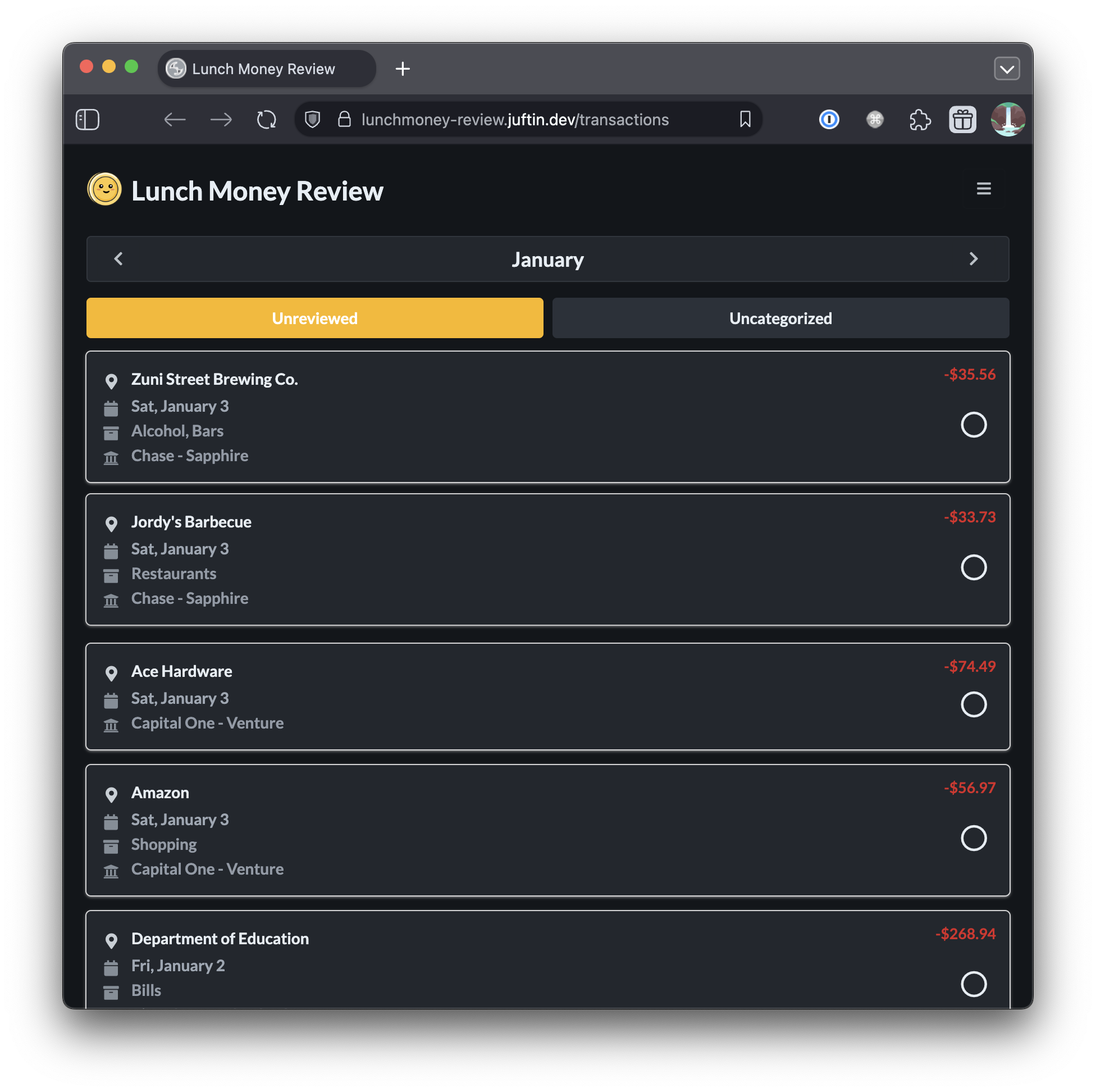
More recently, I’ve been working on some small web applications with Lunch Money. I’ve consolidated a few of them into something called lunchmoney-review. It lets you quickly edit transactions (mobile friendly!) and auto-categorize them using language models.
Q. Geeky question – your SDK and apps use pydantic, a library that adds strong typing to Python. What do you like about it?
Pydantic models make it easy to define nested data models with strong typing and built-in data validation. Combined with its rust-based data serialization, it’s a perfect fit for API clients.
The developer experience is great, and because it’s so widely used in the Python space, it integrates easily with most projects.
Q. You have also created a version of Lunchable based on our new V2 API, which is now in an open alpha available for all interested developers. What was that process like?
Yes! I built out a new Python API client for the Lunch Money v2 API. The new API has an OpenAPI spec, which makes it much easier to maintain a stable client. Instead of hand-maintaining the API client, I’m now using openapi-generator. Apart from the Python client, I also structured the project so it can auto-generate and maintain clients for multiple languages and frameworks – the goal is to publish a wide range of API clients.
You can check it out here: https://github.com/juftin/lunchmoney-clients
Q. Anything you’d like to ask the community?
I’ve got a number of Lunch Money projects out there. If there’s one you’re interested in, please give it a try. I would love to hear your feedback and if there’s anything that could be improved!
Thank you, Justin!
The Lunchable SDK was how I got started with the Lunch Money API. I truly appreciate the help you personally gave me when I was first getting started, and the incredible SDK you maintain, which is the basis for so many cool community-built solutions. You are a true asset to the Lunch Money developer community!
If you are interested in having an AI tool help you categorize all of your transactions, give Justin’s lunchmoney-review tool a try! It lets you choose among several AI providers. Once you supply the AI engine’s API key, it can autocategorize your transactions. Your Lunch Money and AI Tokens stay safely on your own device.
You can also see a bigger list of Justin’s projects on Github:
Lunch Money x ProjectionLab is here! 🎊
We’ve teamed up with ProjectionLab to launch a free Chrome extension that connects your Lunch Money data with ProjectionLab’s powerful long-term financial planning and simulation tools.
Think retirement timelines, taxes, cash flow needs, and “what if” scenarios. ProjectionLab powers it all with real numbers, without extra reporting or manual work.
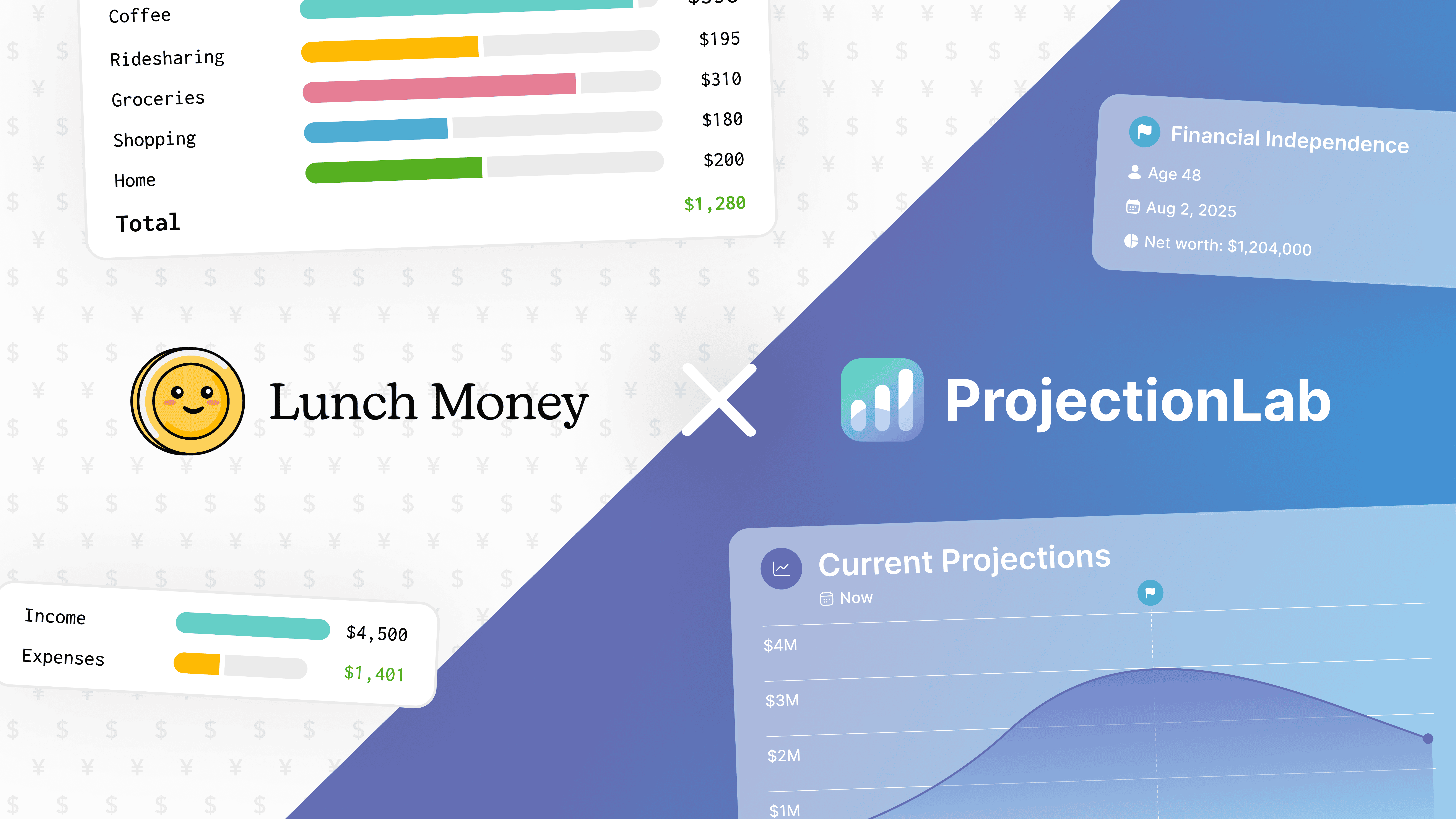
For more details (plus a $30 launch discount 🎉), check out the blog:
Category templates library! 📚
Categories turn raw transactions into meaningful insights, and we’re building a community-powered library of category setups to inspire, guide, and serve as a starting point!
Whether it’s your full category system or a specific category group you think others would find helpful, we’d love for you to share it with the community!
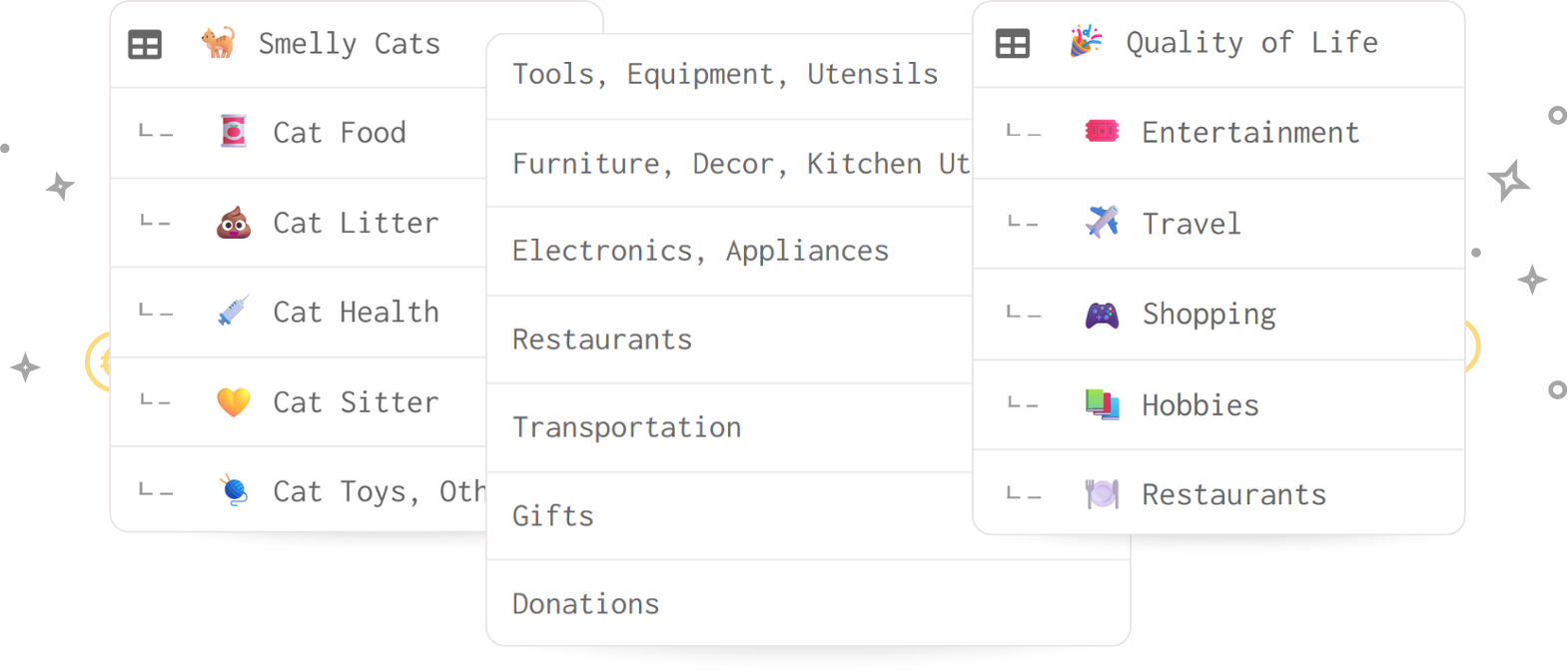
As a thank you, we’re giving away a free Lunch Money shirt to 5 lucky contributors! You can enter the giveaway at the bottom of the submission form for a chance to win. 🎁
Latest from the blog! 📝
Most people think the only way to improve their finances is to cut spending or earn more. Unfortunately, many employees overlook workplace benefits that can save thousands each year.
In this post, certified Lunch Money coach Adriana breaks down tax-advantaged accounts, employer matching, and dependent care benefits, so you can keep more of your paycheck without waiting for a raise.

Looking for more personalized help? Visit our Coaching Directory to connect with Adriana and other certified Lunch Money financial coaches.
Latest from YouTube! 📺
If budgeting feels stressful, it’s probably your system – not you. 😵💫
In this video, we share four simple numbers that can help simplify your budgeting approach, avoid noise, and create a budget that’s clearer, calmer, and easier to stick with.

Connect with us on social media! 📱
We’d love to connect with you on social media. Find us on the following platforms: